Doro phones use modest-capacity lithium-ion batteries, often calibrated to last a day under normal use. This limited battery life makes each charging cycle crucial for the longevity of the battery. Charging a Doro phone is not just about plugging in a USB cable: the type of charger, the power delivered, and charging habits directly influence the device’s lifespan.
Original charger or universal charger: what the specifications change
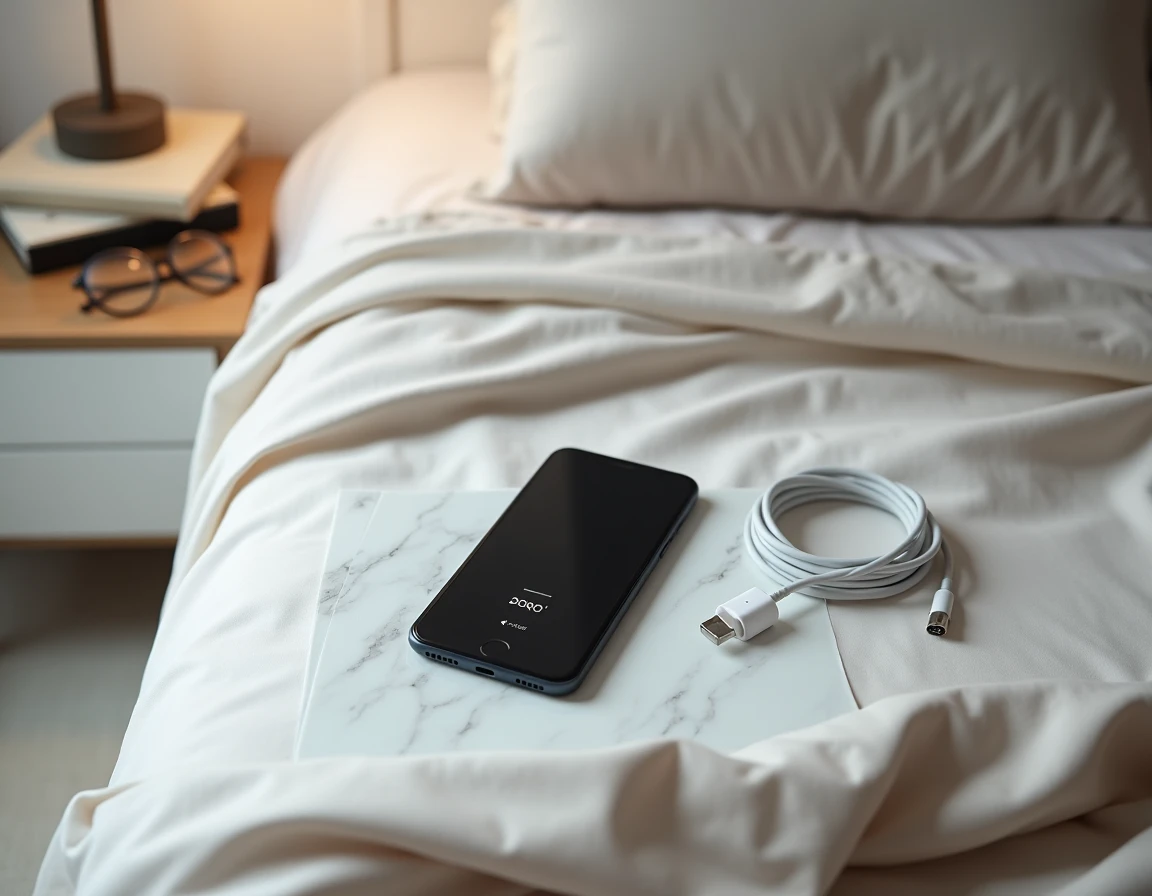
The choice of charger is the most underestimated factor for the health of a Doro battery. Doro models are designed to work with chargers delivering a precise power, typically 5V / 1A or 5V / 2A depending on the model. Using a more powerful fast charger speeds up charging but causes overheating that prematurely degrades the battery.
| Charger Type | Typical Power | Doro Compatibility | Impact on Battery |
|---|---|---|---|
| Doro Original Charger | 5V / 1A or 5V / 2A | Optimal | Minimal heating, preserved lifespan |
| Generic USB Charger (compliant) | 5V / 1A to 2A | Good if power matches | Comparable to original charger |
| Fast Charger (Quick Charge, USB-PD) | 9V / 2A or more | Functional but not recommended | Possible overheating, accelerated aging |
| Computer USB Port | 5V / 0.5A | Functional | Very slow charging, no thermal risk |
The USB port of a computer delivers a low current. Charging takes much longer, but this method remains the gentlest on the battery. Knowing how to charge a Doro phone with the right adapter makes the difference between a battery that lasts two years and one that declines in a few months.
A fast charger is not strictly dangerous, but it pushes the battery beyond its optimal parameters. For a device used daily by a senior, the wall outlet with the provided USB cable remains the best compromise between charging time and preservation.
First charge and calibration of the Doro battery
Doro phones (including flip models) often come with the explicit recommendation to perform a full charge before first use. This step helps stabilize the battery and avoid calibration issues with the charge indicator.
Specifically, the percentage indicator displayed on the screen is based on an algorithm that learns the battery’s behavior over cycles. If the first charge is interrupted or partial, the indicator may display incorrect values for several days.
What calibration changes in daily use
A poorly calibrated phone may indicate 30% battery remaining and shut down abruptly. This phenomenon is common with low-capacity batteries like those in Doro phones. The first full charge, followed by use until about 15-20% and then a full recharge, lays the foundation for reliable display.
This procedure only concerns the first few days. After that, avoiding complete discharges to 0% better preserves the battery than repeated full cycles.
Android settings on recent Doro models: integrated battery optimization
Recent models like the Doro 8110 run on Android 12 and incorporate the same optimization features as standard smartphones. These native settings are more effective than third-party apps called “boosters” or “battery savers,” which consume resources themselves.
Three settings should be prioritized:
- Limiting background apps: accessible in Settings > Battery, this option prevents rarely used apps from consuming energy continuously
- Adaptive battery optimization: the system learns usage habits and reduces consumption of apps used at certain times of the day
- Power-saving mode: reduces processor performance, disables certain animations, and limits automatic account synchronization
On a Doro, enabling adaptive optimization at startup allows the system to build a reliable usage profile in a few days. The power-saving mode, on the other hand, has a visible impact on the device’s responsiveness and is mainly justified when the battery drops below 30%.
Long-term storage: charging a Doro used as a backup phone
Many Doro phones serve as backup or emergency phones, stored in a drawer most of the time. This use case poses a specific problem: a lithium-ion battery left at 0% for several weeks can enter deep discharge and become unusable.
The technical recommendation is to store the phone between 40 and 60% charge and check the level every two to three months. This charge range minimizes chemical stress on the battery cells.
Storage conditions to follow
- Ambient temperature between 15 and 25 degrees: heat accelerates the chemical degradation of the battery
- Avoid leaving the phone plugged in continuously to a charger: continuous overcharging degrades the cells
- Turn on the phone once a month to allow the system to recalibrate the charge indicator
A Doro stored at full charge for months loses more capacity than a Doro stored at half charge under the same conditions. This point is rarely mentioned in the user guides provided with the device.
The lifespan of a Doro battery depends less on usage frequency than on charging and storage conditions. A charger that complies with the manufacturer’s specifications, a first full charge, and Android settings activated from the start cover most cases. For a backup phone, maintaining an intermediate charge remains the simplest action to prevent a dead battery when it’s needed.